
Moving from Excel to an application: a practical guide
Different versions of the same spreadsheet can become frustrating, but the file may also contain years of working agreements. A useful migration starts with understanding what the spreadsheet does for your business. Then you can decide which parts an application should take over.
1. Choose one workflow that needs improvement
Identify who uses the file, what information arrives and what outcome is needed. For example, a request is recorded, assigned and completed. Find the actual problem: separate copies, duplicate entry or unclear permissions.
A spreadsheet used for an occasional calculation may be perfectly adequate. Recurring work with several users and access rules is a stronger reason to consider an application. Start with one workflow rather than replacing every worksheet.
2. Map calculations and exceptions
Separate input, calculations and reporting. Record manual conventions too: a colour that means “needs checking”, a note outside the table or a weekly correction made by a colleague.
- Which fields are required?
- Which formulas determine amounts or status?
- Are there macros, external files or hidden worksheets?
- Who handles exceptions such as cancelled requests?
Keep examples of both routine and exceptional cases. They will become useful acceptance tests.
3. Decide where information will be maintained
Illustrative design: replace a request list with separate customer and request records. Each request refers to a customer. If an address changes, should it also change on historical requests? That requires a business decision, not just copying columns.
If customer information already lives in a CRM, choose between an integration and an agreed manual process. Define the authoritative source. For an integration, also agree how failures and out-of-date information will be reported.
4. Build a complete user journey
The first release should support a task from start to finish: recording a request, assigning responsibility, updating its status and finding completed work. A standalone input screen does not yet demonstrate that the workflow works.
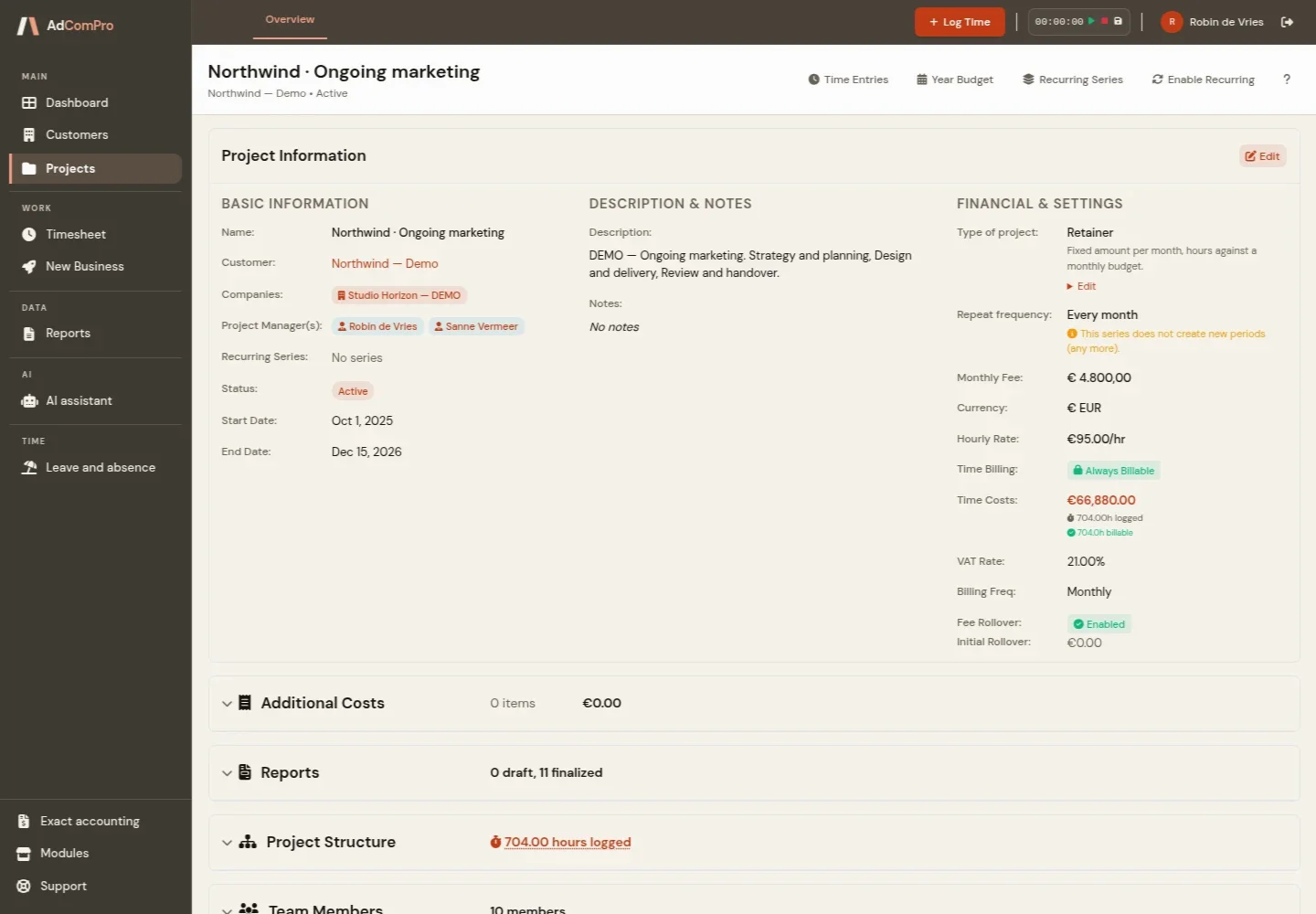
Our product AdComPro connects project information, time tracking and invoicing. It illustrates connected tasks, rather than the standard scope of a small spreadsheet replacement.
5. Verify results before switching
Test a representative selection from the original file. Compare record counts, totals, rounding, missing values and individual outcomes. Ask the people doing the work to check the new journey.
- Can users complete the agreed task?
- Do calculations produce the agreed result?
- Can users only view and change permitted records?
- Are duplicates and failed imports identifiable?
6. Agree a switchover and recovery plan
Define when updates to the old file stop, who transfers the final data and who verifies the result. Keep an agreed copy of the original information. Decide who can authorise recovery or postpone the switch if checks fail. Avoid running two administrations indefinitely without a clear source of truth.
What does this mean for the budget?
Our indicative budget for one simple workflow is €2,500–€5,000 excluding VAT: up to two roles, straightforward calculations and one clean data source. Complex macros and API integrations are excluded. Migration, hosting, maintenance and external costs are budgeted separately. See the full scope for replacing Excel with an application.
For an initial estimate, describe the workflow and bring an anonymised sample file. Contact us to discuss the smallest useful first release.